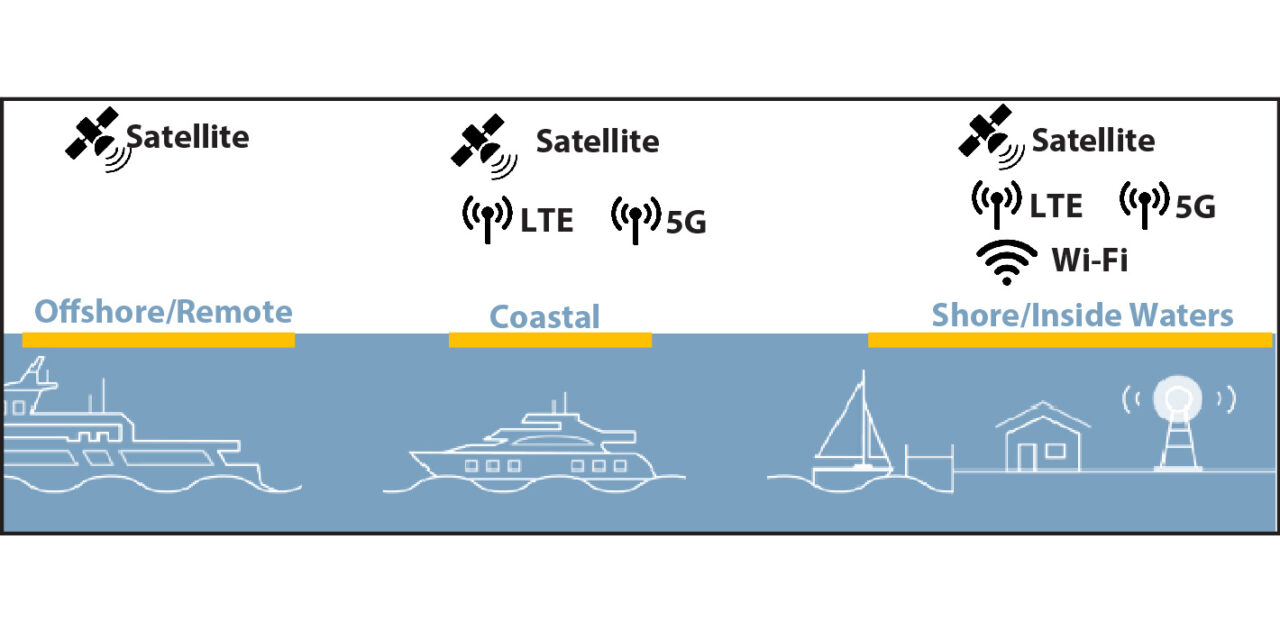
This four-part series of articles covers cellular, internet, and satellite communications. Information about cellular devices, amplifiers, and cellular providers were covered in Part I; in Part II, we will focus on Wi-Fi connectivity.
Many marinas and coastal towns offer Wi-Fi connectivity for boaters which allows you to connect to a shore-based hotspot to access the Internet. This solution may work ok, although there are many factors such as the equipment quality, bandwidth, number of users and distance from the hotspot that may negatively impact getting a good connection with reasonable speed. Most marinas offer Wi-Fi internet service, either for free or for-fee providers. In more remote marinas, Wi-Fi service is not always available, or the service may be slow and unreliable, and of course marina Wi-Fi service is not available once you leave the marina.
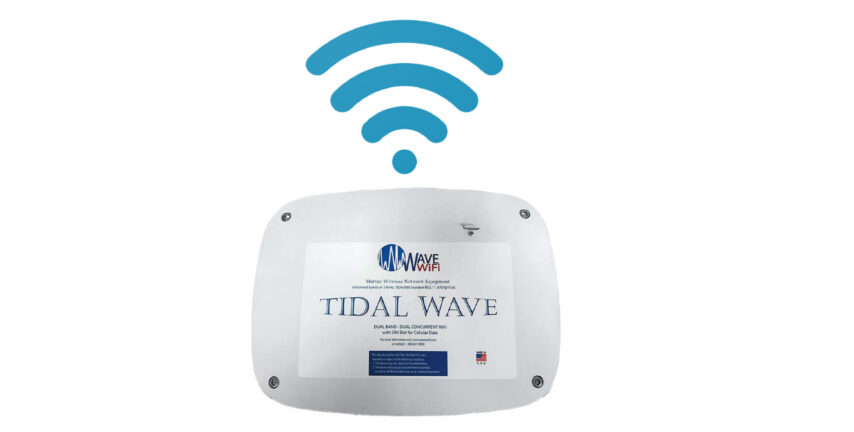
Amplifiers. Vendors such as Wave Wi-Fi and MikroTik sell Wi-Fi amplifiers for providing a more functional Wi-Fi connectivity experience. These devices connect to an onboard Wi-Fi router allowing you to share the amplified connection throughout your boat, but even these solutions cannot overcome a poorly implemented marina Wi-Fi infrastructure or an over-saturated network.
If you need a reliable, fast, full-time internet connection, relying on marina Wi-Fi is not going to satisfy your needs, especially if you work from your boat. There are too many variables that are out of your control, however, the advent of Starlink makes remote marina Wi-Fi much more useable. Several outlying marinas in under-served areas have installed Starlink, dramatically increasing marina Wi-Fi useability. Starlink will be discussed further in Part III.
How to be a Good Wi-Fi Citizen. Adjust your expectations and your internet usage for Wi-Fi when using shared Wi-Fi connections such as marina Wi-Fi. Be prepared for internet access to be slower than you might be accustomed to; allow extra time for the online task and have an alternate plan. Most importantly, adjust your internet usage to minimize data transfer.
- Turn off automatic updates. Not always as simple and straight-forward as it sounds.
- On smartphones, tablets, and PC’s, turn off automatic photo backup to cloud storage. Do you really need all 200 images uploaded to the cloud right now?
- Smartphones – almost all of the apps on our smartphones are searching for app updates. This constant ‘pinging’ to check for updates is largely unnecessary internet traffic when we are out boating. So go through your apps one-by-one and turn off updates. Each app is different.
- Avoid apps like Facetime, Netflix, Amazon Video, and gaming apps
- Limit your use: email without large attachments; Facebook, scrolling slowly and no video viewing; voice only Skype, Zoom and Teams, no video; and limit smartphone usage when Wi-Fi is the only signal available.
Provided by Doug Miller
President, Onboard Wireless